
Blog
What is software migration? Types, strategies and steps
Software migration moves a working application to new servers, a cloud, a new platform or a new product. The four types, seven strategies and the steps.
Software migration is moving a working application from one environment to another while it keeps doing its job for the people who use it. The destination might be new servers, a cloud provider, a newer version of the operating system or framework underneath, a different database engine, or a replacement product. The data usually travels too, but the subject of a migration is the running software: its code, its configuration, its connections and its users.
What does software migration mean?
In practice the word covers any move after which the same work gets done by software running somewhere new. Three things travel together. There is the software itself, the data it holds, and its connections to everything around it: single sign-on, a payment provider, the accounting package, a partner’s system, a report someone runs at the end of each month. The connections are the part most often missed, because nobody ever wrote them down.
Two nearby terms get mixed up with it. A data migration moves records from one system into another and then stops; our comparison of data migration vs data integration covers that job on its own. Modernization changes the software itself, such as its architecture or the language it is written in. A migration can include some of that work, but it does not have to. The simplest one moves an application without changing a line.
The word has an everyday sense as well. Copying your files, apps and settings to a new personal computer is also called migration, and on a Mac that is the job of Apple’s Migration Assistant. This guide is about business applications.
What are the four types of migration?
Sorted by what is being moved, there are four common types:
| Type | What moves | Example |
|---|---|---|
| Storage | Files and disk volumes, onto new storage hardware or a cloud storage service | A file server’s shared folders moved to cloud storage |
| Database | Data and schema, to a new database engine or a new version of the same one | An Oracle database moved to PostgreSQL |
| Application | The program itself, to new servers, a new platform or a cloud | An internal web app moved from an office server to AWS |
| Business process | The way a piece of work is done, onto different software | Invoicing moved out of spreadsheets into an accounting system |
Cloud migration is often counted as a fifth type, although it is an application, database or storage migration whose destination happens to be a cloud. Real projects tend to mix several. Moving one application to the cloud usually means moving its database and its stored files in the same project.
Examples of software migration
- A version that loses support. The PHP project’s supported versions page gives PHP 8.2 security fixes until December 31, 2026. An application still on 8.2 after that date has to move to a supported version or run without fixes. Microsoft ended support for Windows 10 on October 14, 2025, which put the same choice in front of business applications that depend on it, unless they pay for extended security updates or run on an LTSC release.
- Off your own servers. A system on hardware in the office moves to a cloud provider, unchanged at first, so the hardware can be switched off.
- A new database engine. A system moves from a commercial database to PostgreSQL to stop paying for licenses, which means testing every query the application runs.
- A replacement product. A business stops running its own help desk software and moves to a hosted product, taking its tickets, user accounts and integrations across.
Running software past the end of its support carries real risk. The US Cybersecurity and Infrastructure Security Agency (CISA) includes unsupported or end-of-life software in its list of bad practices, calls it dangerous, and singles out technologies reachable from the internet. CISA addresses the list to every organization, with critical infrastructure first in mind, and the reasoning holds for any system that stores customer data. Not every old system has to move, though, and the two tests in what is a legacy system help sort the ones that do.
The seven Rs of migration strategy
AWS’s Prescriptive Guidance names seven strategies for moving applications to the cloud, known as the 7 Rs. They are useful well beyond AWS, because they force a separate decision for each application instead of one decision for everything.
| Strategy | What happens to the application | Fits when |
|---|---|---|
| Retire | Switched off and archived | Nobody needs it, or keeping it costs more than it is worth |
| Retain | Stays where it is for now | It is high risk, waits on another system to move first, or was upgraded recently |
| Rehost (“lift and shift”) | Moved without changes | You want to move many systems quickly without touching them |
| Relocate | Moved to a cloud version of the same platform, or between cloud accounts or regions | The platform it runs on has a cloud equivalent |
| Repurchase (“drop and shop”) | Replaced by a different product, often software as a service | A product now does what the old application did |
| Replatform | Moved with some changes, such as a managed database or a newer operating system | A few changes buy lower running costs or better security |
| Refactor or re-architect | Redesigned to use cloud-native features | The current design blocks what the business needs next |
AWS calls refactoring the most complex and costly of the seven, because the application is being modernized during the move. For large migrations it advises rehosting, relocating or replatforming first, then modernizing once the move is complete. Google Cloud’s migration guide uses much the same names and adds a rebuild option, where the old application is decommissioned and rewritten from scratch.
How a migration runs, step by step
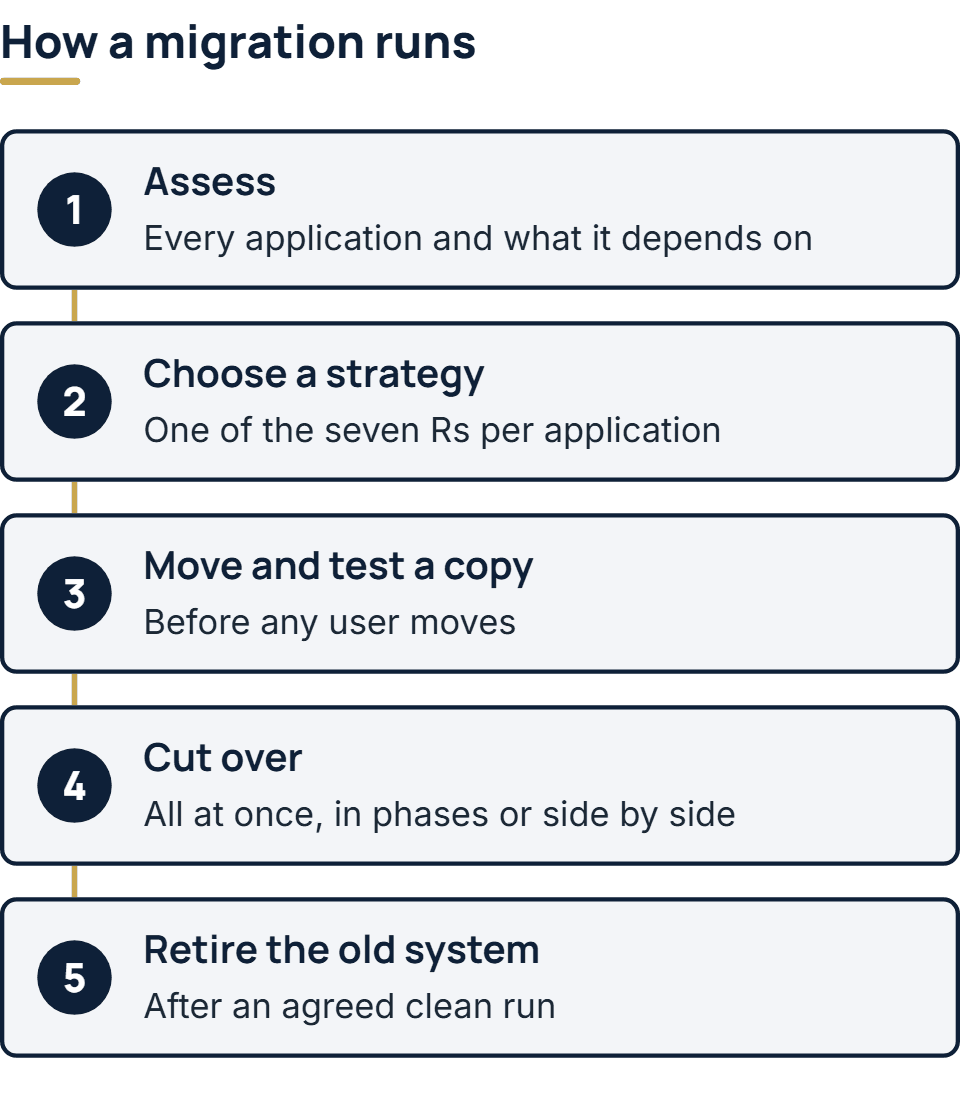
Google Cloud divides a migration into four phases: assess, plan, deploy and optimize. The five steps below follow the same order, with one more at the end that plans often leave out.
- Assess. List every application in scope and what each one depends on: databases, file shares, scheduled jobs, the systems that call it, and the reports people run from it. This inventory shapes every later decision.
- Choose a strategy for each application. One of the seven Rs per application, with the reason written down so it can be questioned.
- Move and test a copy. Build the target environment, move a copy of the application and its data, and check it against how the old system really behaves before any user moves.
- Cut over. Bring across whatever changed in the old system since the test copy was taken, then switch users and integrations to the new system, with a written way back if something fails.
- Retire the old system. Wait until the new one has run cleanly for an agreed period. Until then the old system is your way back. After that it is a running cost and a target nobody patches.
Three ways to cut over
Most of the risk sits in the cutover itself, and there are three ways to do it.
- All at once. Everything switches in one window, often a weekend. It is quick and simple, and it suits a small system that can be tested completely beforehand. If something goes wrong, it goes wrong for everyone at the same moment.
- In phases. One part moves at a time while the old system serves the rest. When the old system is being replaced piece by piece rather than moved whole, the best-known form is the Strangler Fig pattern, documented in Microsoft’s Azure Architecture Center. A façade in front of both systems sends each request to the old or the new one, more requests move across at each step, and the old system is switched off when nothing relies on it any more. Microsoft notes that it may not suit a small system that is simple to replace whole, or a project where the original has to be shut down quickly.
- Side by side. Old and new run at the same time on the same work, and their results are compared until they agree. It is the most cautious way to move something like payroll or billing, where one wrong answer is expensive. It also costs the most, since two systems run and someone has to check both.
Whichever you choose, agree in advance what would make you roll back, and test the way back before you need it.
What usually goes wrong
- Dependencies nobody listed. A nightly export, a server address written into the code, or a partner’s system calling an old endpoint. Unless the assessment found them, they surface on the first morning after cutover.
- Data that does not fit. Dates, character sets and free-text fields that the old system tolerated and the new one refuses.
- Licenses that do not move. Some commercial licenses are tied to particular hardware or to running on your own premises, so read the terms before planning the move.
- Two systems forever. The old system is kept just in case and never switched off, so you pay for both and patch neither.
How we approach a migration
Moving and modernizing production systems is work our engineers have already done. Our work starts with a map of dependencies, moves one part at a time while the old system stays live, and keeps a way back at every step. We build on AWS, PostgreSQL, .NET, Java, and PHP with Laravel. How migration fits into a larger build, alongside integration with the systems you keep, is set out on our enterprise software development page.
The full service behind this post: Enterprise Software Development Company & Services.
Ready to scope your project?
Send us two sentences about what you need. We reply within one business day with the next step and any questions we need answered first.